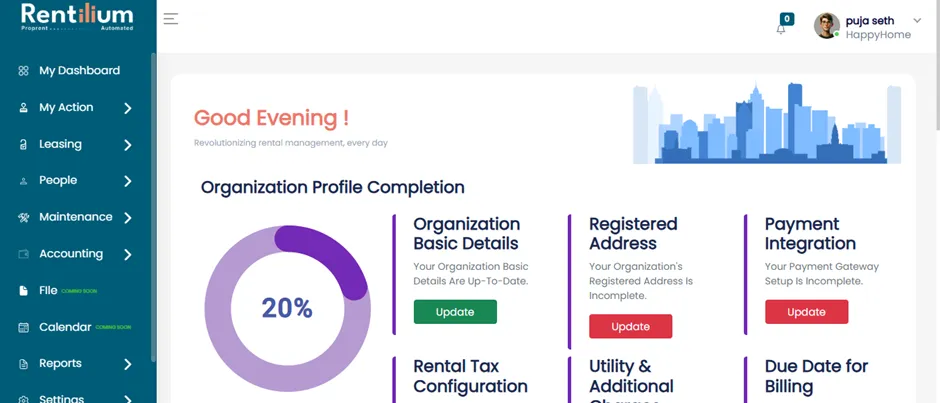
Forgot Password/Reset Password
5 min
The Forgot Password feature allows users to reset their password when they are unable to remember it. This helps maintain account security. By following the steps provided, you can easily reset your password whenever needed.
How To Reset Your Password
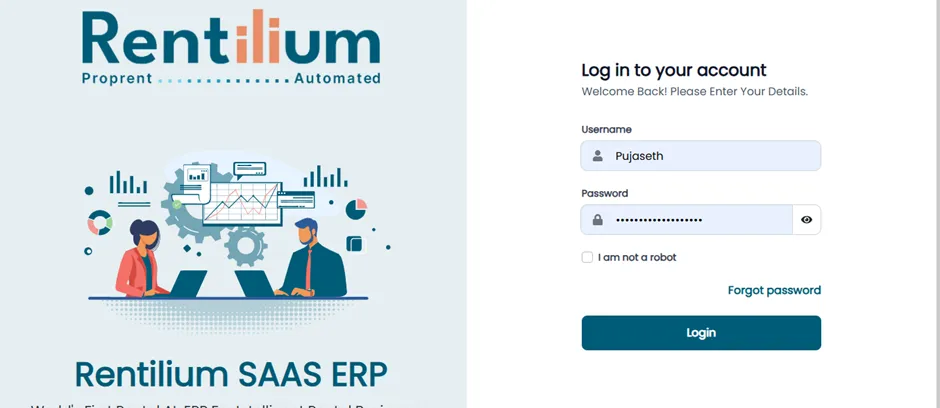
Login To Your Account
- Go to the login page of the admin dashboard.
- Click on the “Forgot Password” link below the login fields.
Enter Registered Email
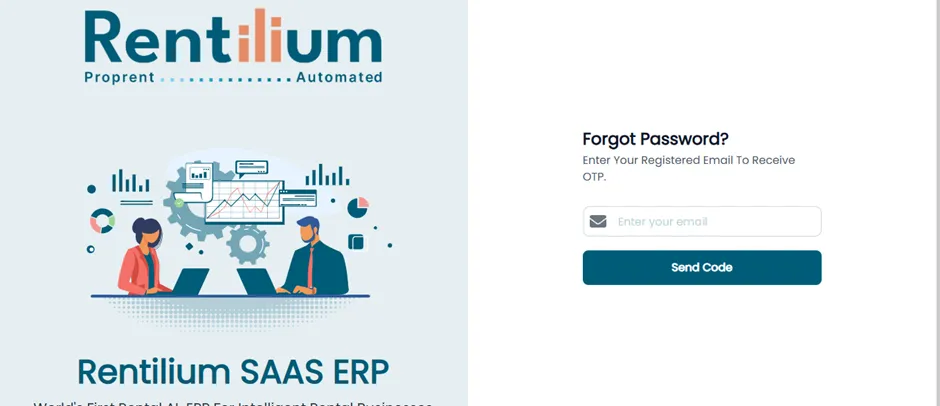
- After clicking, the Forgot Password page will open.
- Enter the admin’s registered email address for successful OTP login.
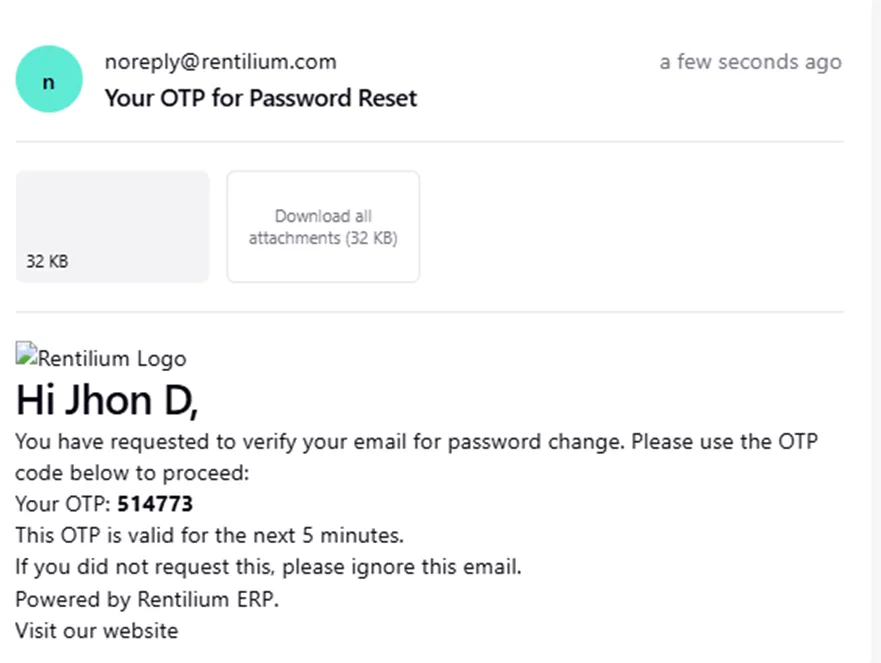
- The system sends a password reset link via email or a verification code via OTP.
Verify Your Identity
- After entering the OTP, you will be directed to verify your identity page.
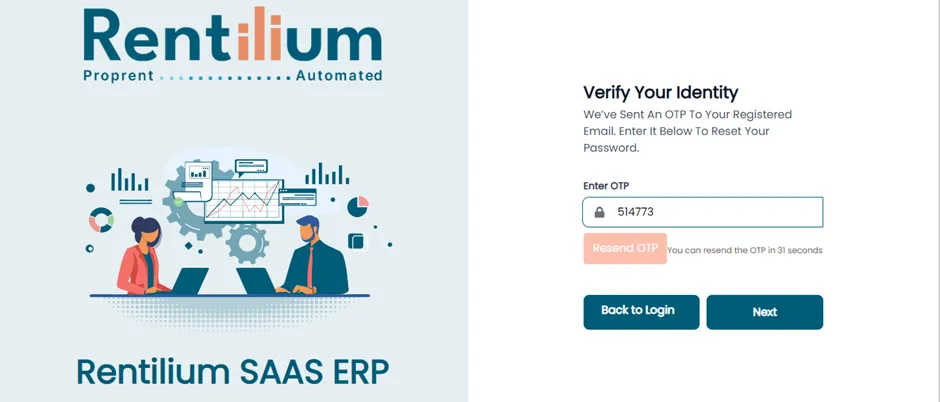
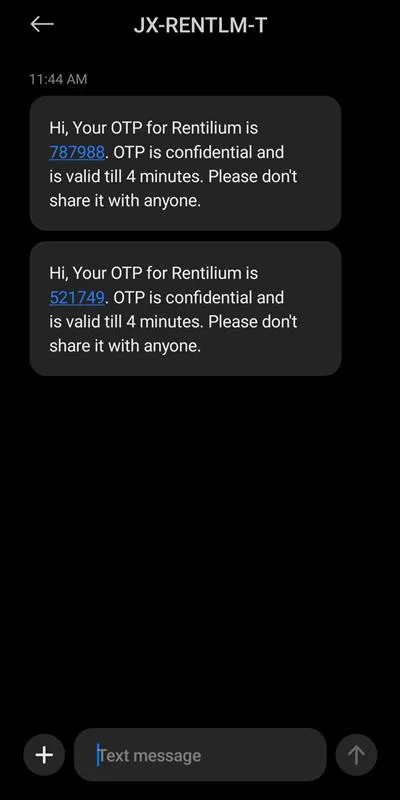
Set A New Password
- After entering the valid OTP then click on the Next button.
- After clicking on the next button, enter your new password and Confirm New Password in the respective fields.
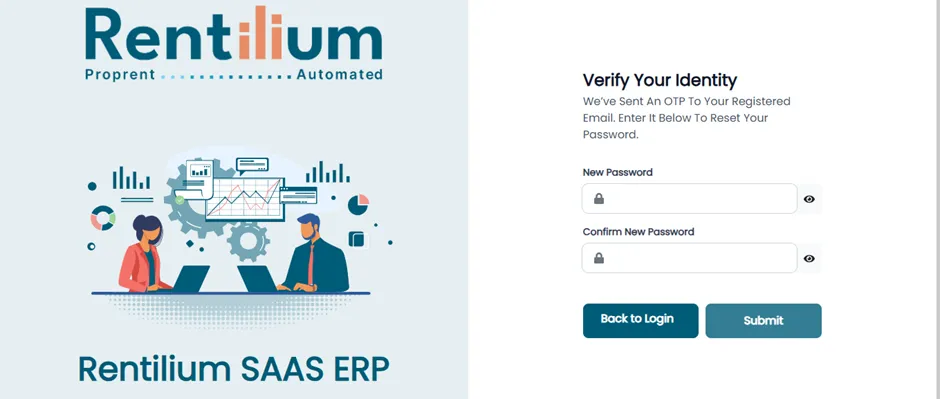
- After successfully resetting the password. Your password has been successfully reset.
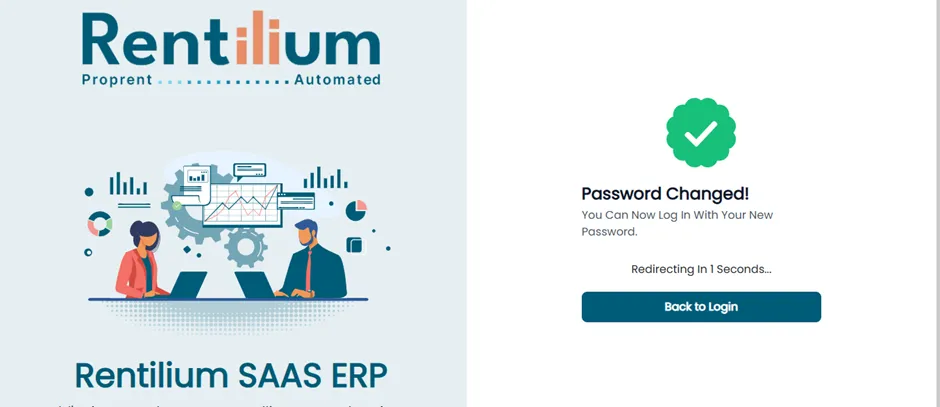
- You will be automatically redirected to the login page within a few seconds. Now Admin can log in with the new password.