Rental Unit Payment History
5 min
Reviewing payment history is an important part of effectively managing rental properties. Rentillium offers a user-friendly interface that allows admins to view detailed payment records for each rental unit. Below is a step-by-step guide to help you understand the payment history section.
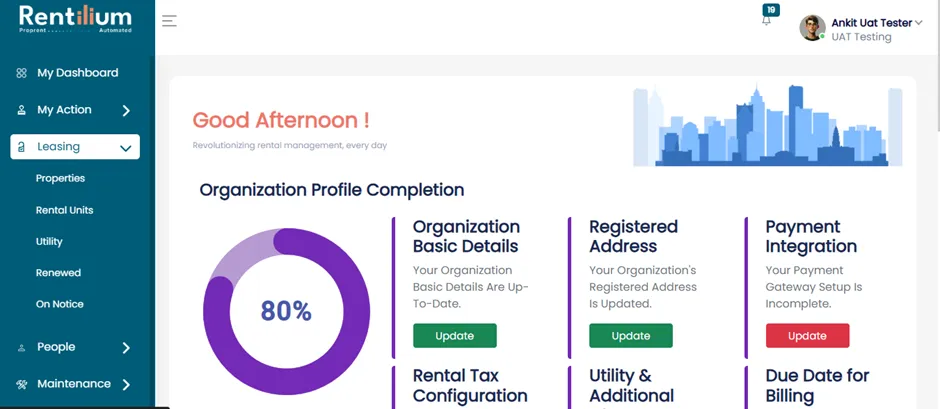
Go To Leasing Section
- After successful login, you will be redirected to the dashboard.
- Now click on the Leasing section.
Access The Leasing Dashboard
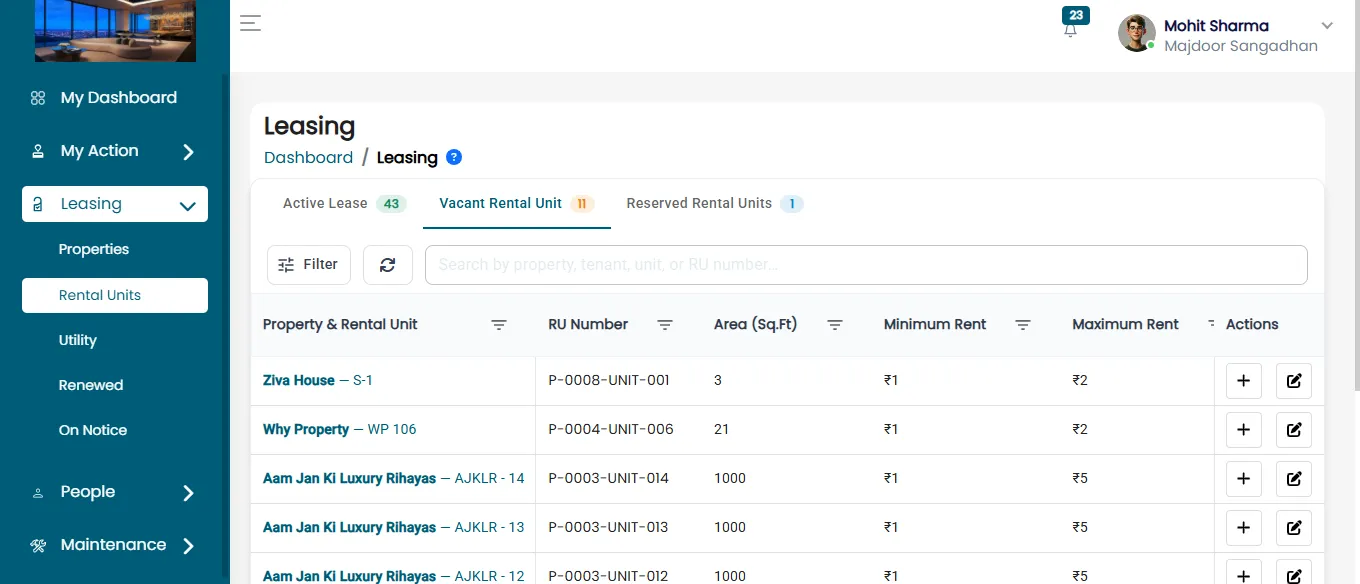
- Within the Leasing section, select Rental Unit to open the Leasing Dashboard.
- Now, click on the "Active Lease" Tab, where the admin can view all the active lease status.
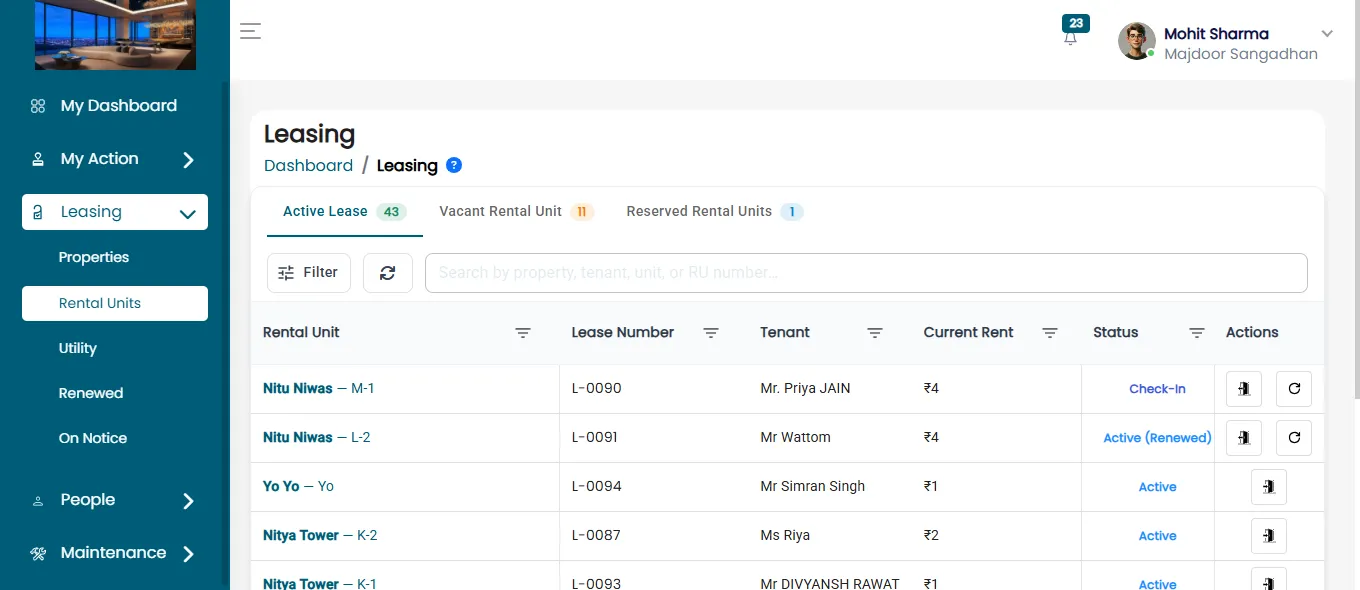
- Click on the rental unit name eg. Mannat
View Rental Unit Details
- After clicking on a rental unit, the Rental Unit Detail Page will open.
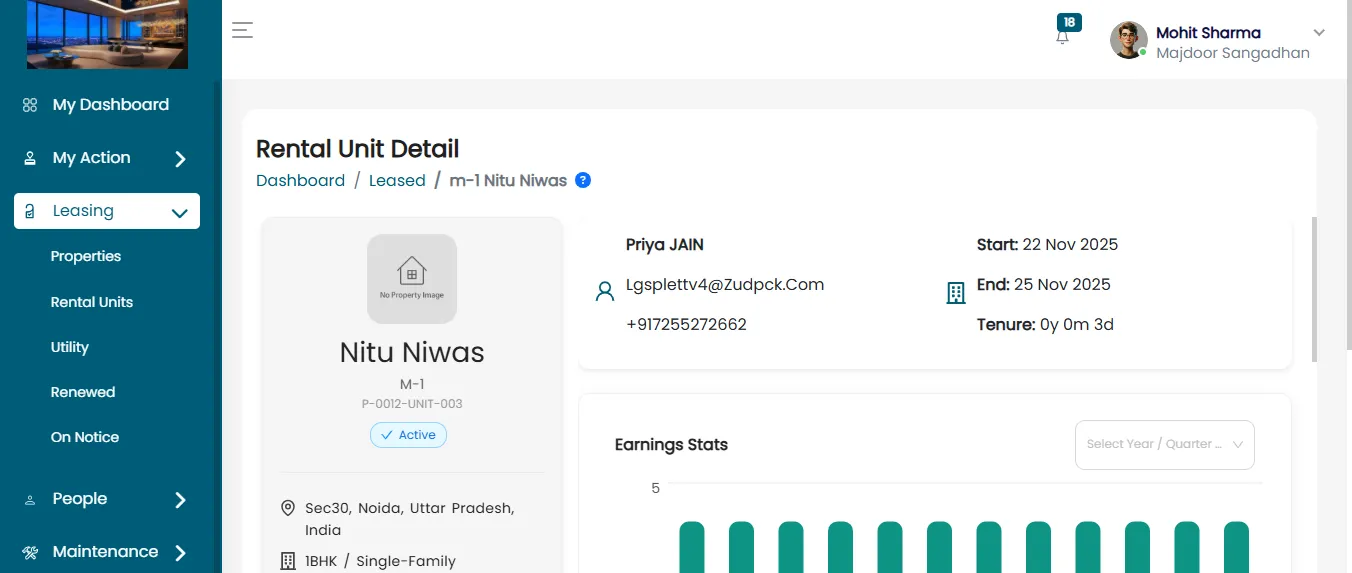
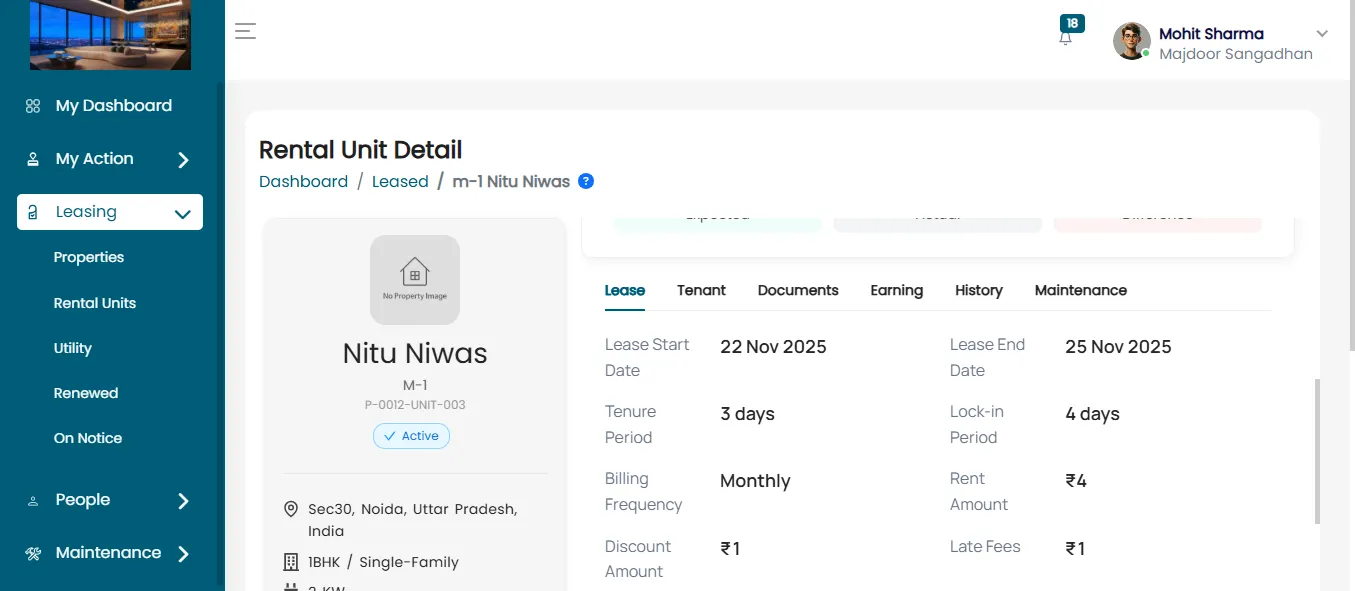
This page includes several tabs providing various types of information, including:
- Overview
- Lease
- Tenant
- Documents
- Earnings
- History
- Maintenance
Access The Payment History
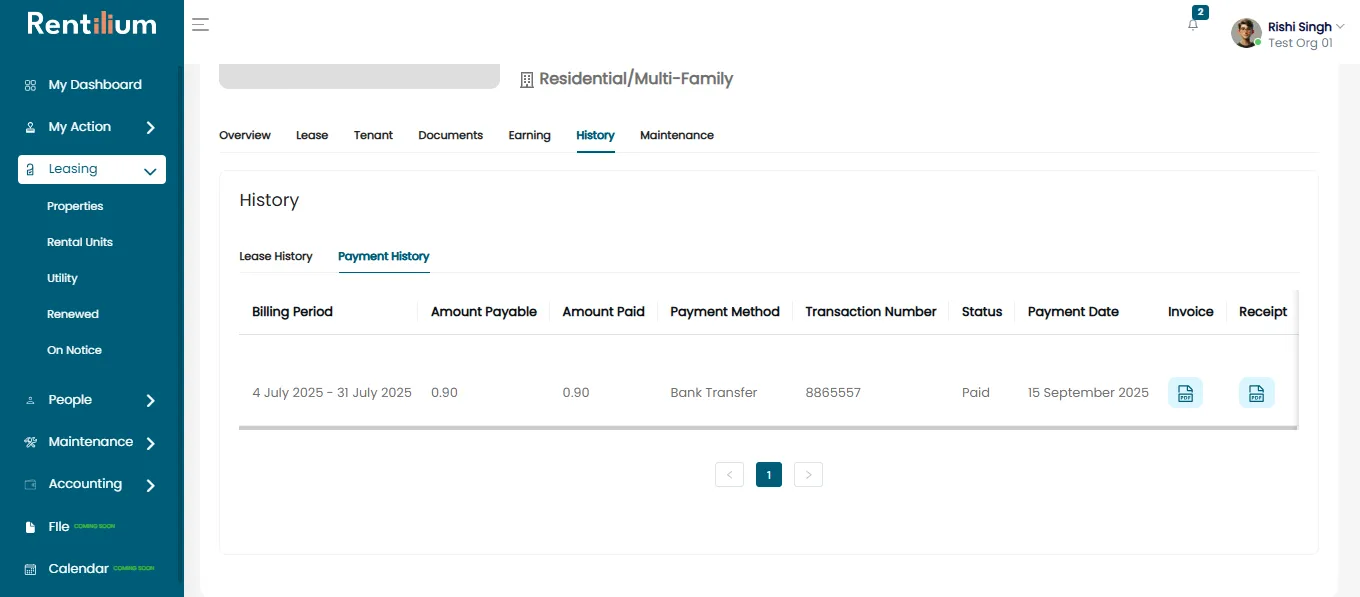
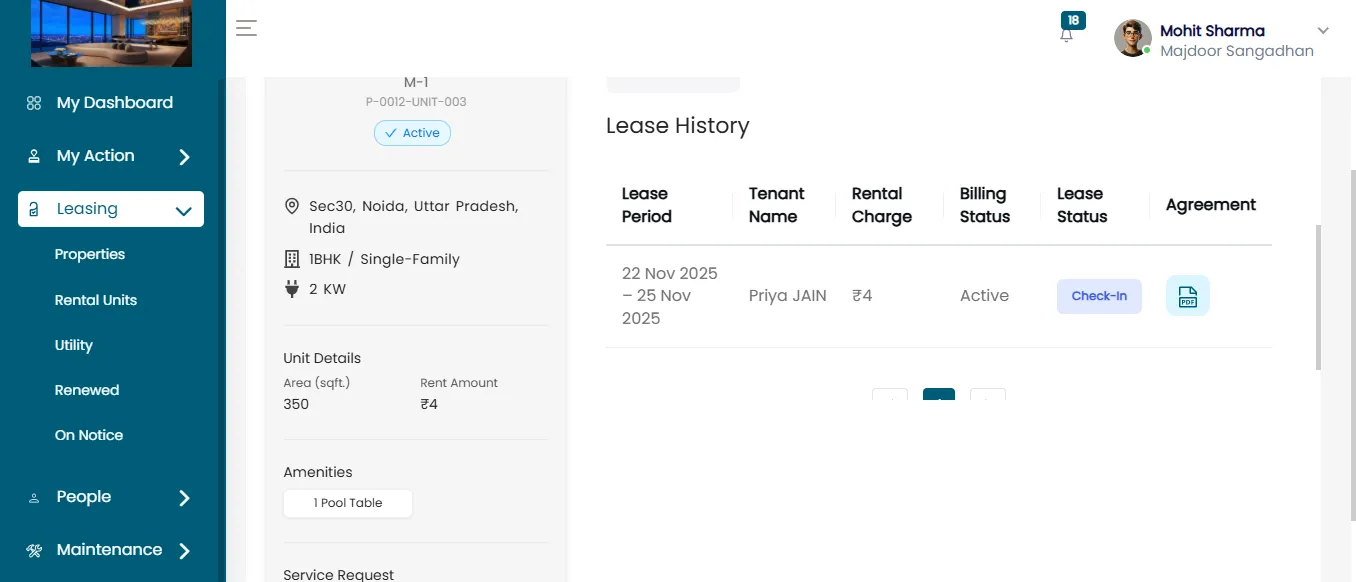
Click on the "History" Tab. This tab contains two sections:
- Lease History
- Payment History
Review Payment History Details
Within the Payment History section, the admin can view payment data for the selected tenant, including:
- Billing Period
- Amount Payable
- Amount Paid
- Payment Method
- Transaction Number
- Status
- Payment Date
- Invoice
- Receipt