Payment Status Report
4 min
The Refund Management & Reports feature in the ERP allows users to track and manage all payment activities, including refunds. It provides easy access to detailed reports on payment status—such as paid, unpaid, defaulter, and refund—helping users monitor financial transactions and maintain accurate records.
- From the main dashboard, locate and click on the Report section in the navigation menu.
- To view billing details, click on the Billed Report option.
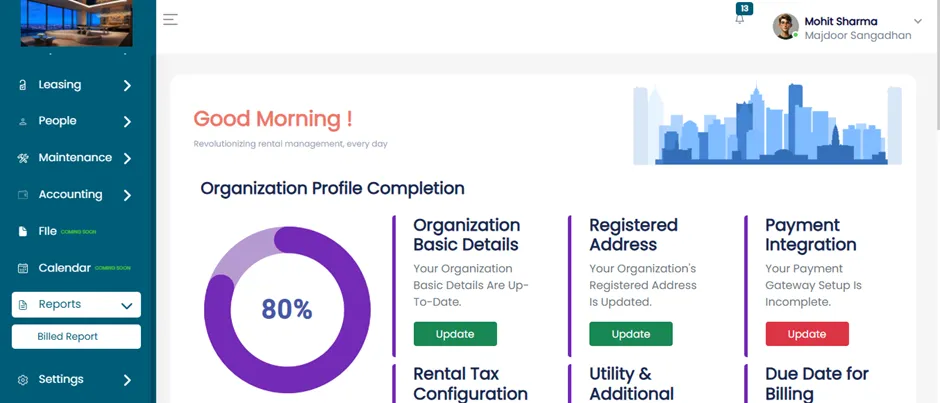
Billing Cycle Report Page
After clicking on Billed Report, the Billing Cycle Report page will open. On this page, you will find two buttons:
- Download PDF Report
- Payment Status Report
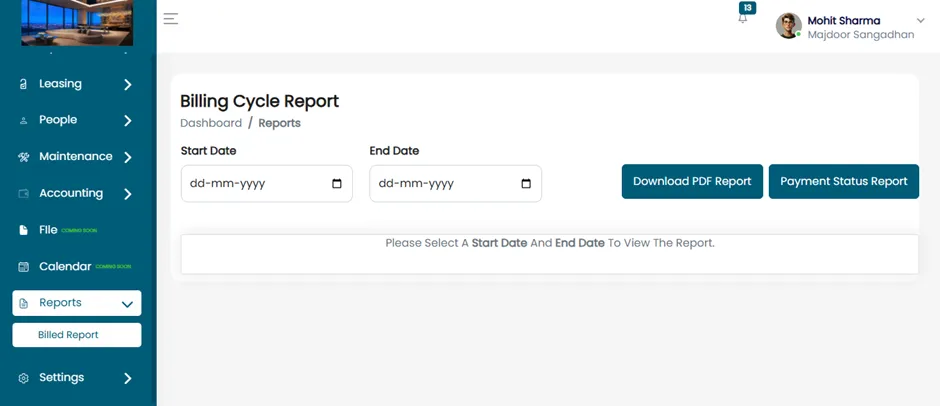
Payment Status Report
In the Reports section, click on "Payment Status Report".
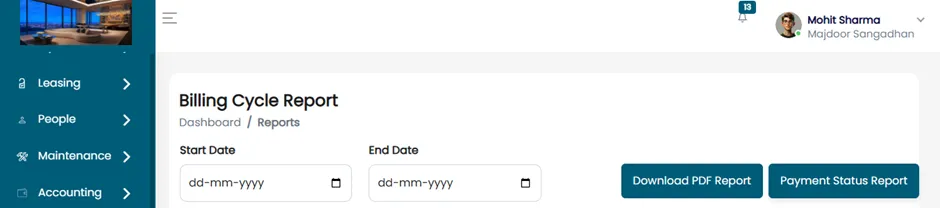
- This will open the Payment Report page.
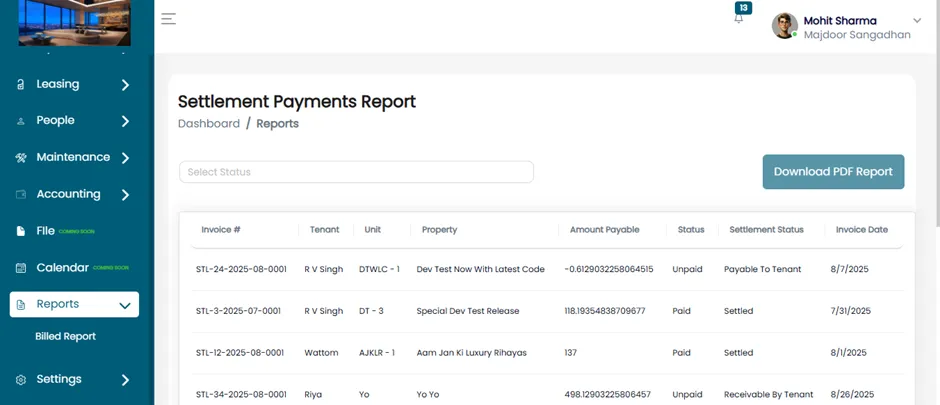
Filtering By Payment Status
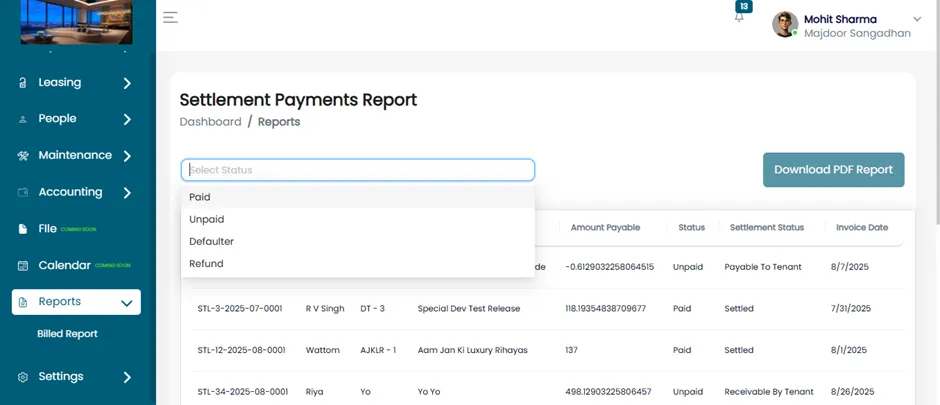
On the Settlement Payment Report page, locate the dropdown labeled "Select Status". Click on the dropdown – it will show four available status options:
- Paid
- Unpaid
- Defaulter
- Refund
Viewing Refund Reports
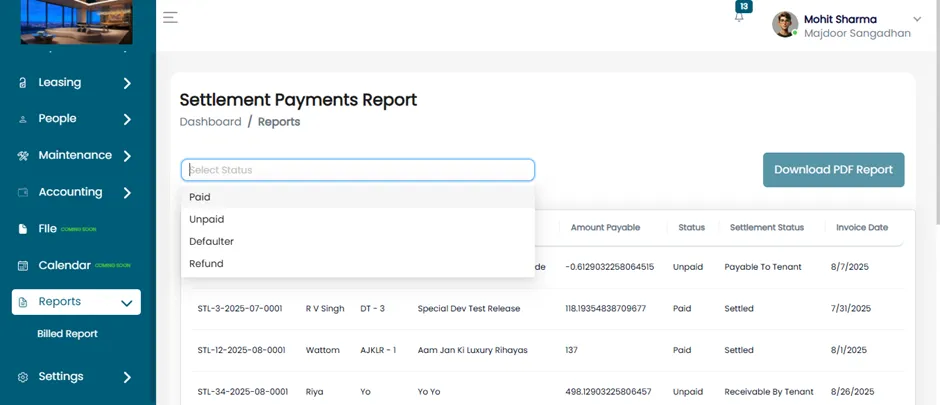
- From the status options, click on "Refund".
- Once selected, the system will display all records related to refunds.
By following the steps outlined above, users can easily navigate the ERP to access and review refund-related reports.