Help Request
6 min
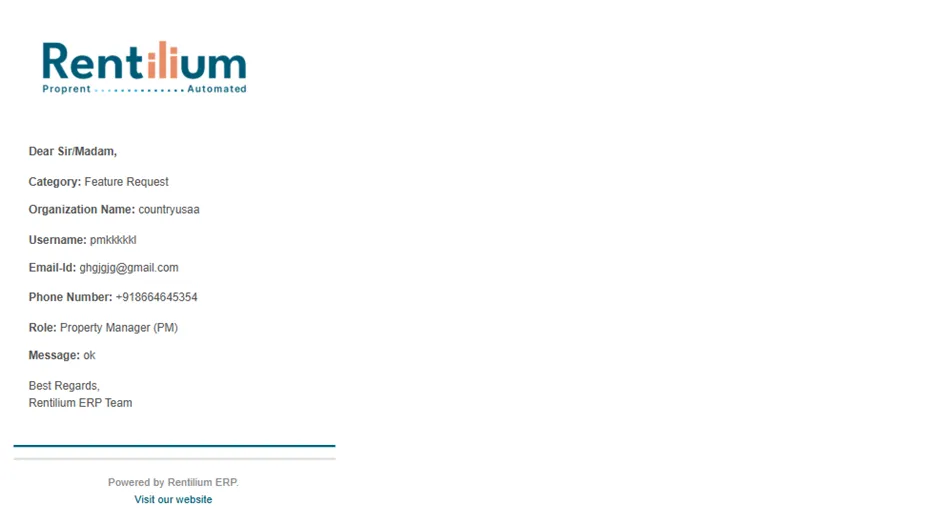
The Help Request feature in the ERP allows Tenants, Users & Org Admins to submit support requests about ERP features or issues encountered while using the web or mobile app.
Whenever a tenant submits a help request, it is visible to both the Organization Admin and the Product Admin.
- The Product Admin can review and resolve the issue from a system perspective.
- The Organization Admin can monitor the concerns raised by their tenants, helping them understand the challenges their users are facing and stay informed about ongoing issues.
This ensures transparency, faster resolution, and better communication between tenants, organization admins, and the product team.
Reasons For Raising A Help Request
- Technical Issue
- Feature Requests
- Billing Payments
- Access Permissions
Steps To Log A Help Request
Below are the steps essential to log a help request:
- After successful login, you will be redirected to the Admin Dashboard.
- From the Admin Dashboard, go to the Help section.
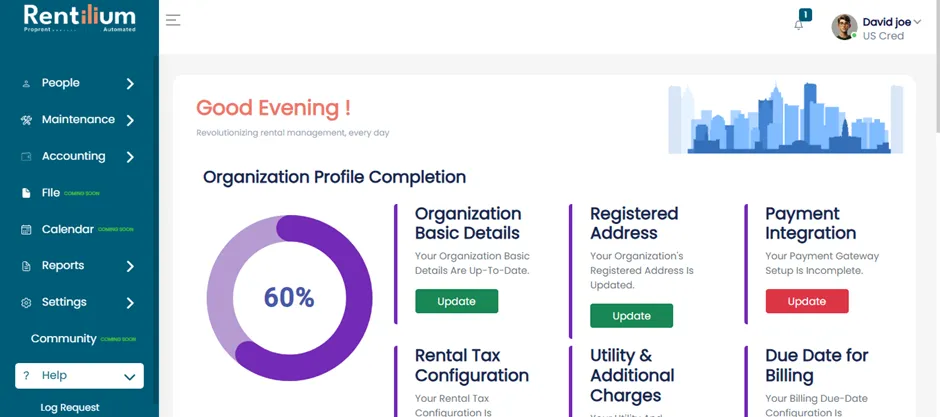
New Help Request
- Click on the Log Request option.
- The Help Request page will open.
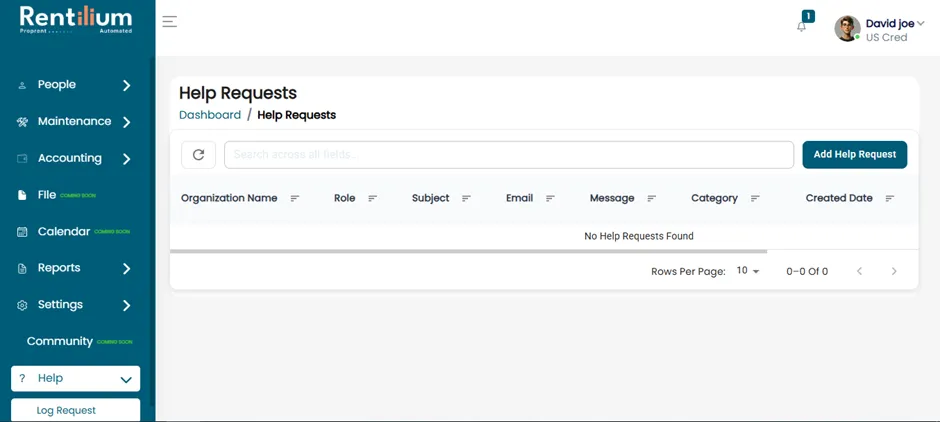
Add Help Request
- Click on the Add Help Request button.
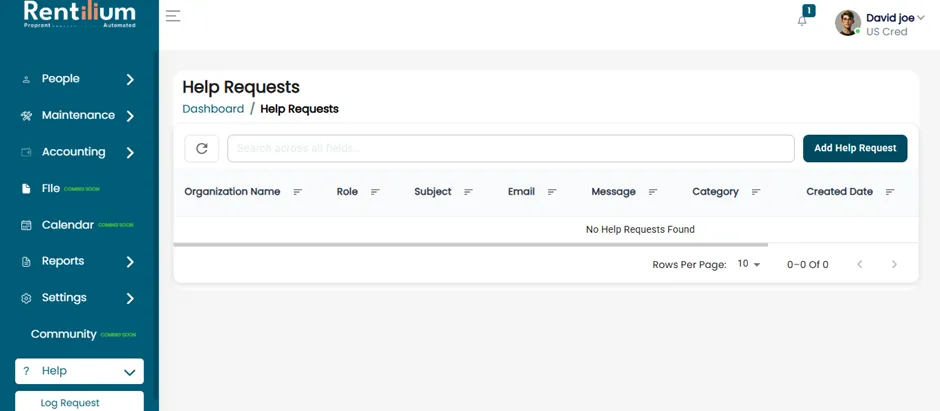
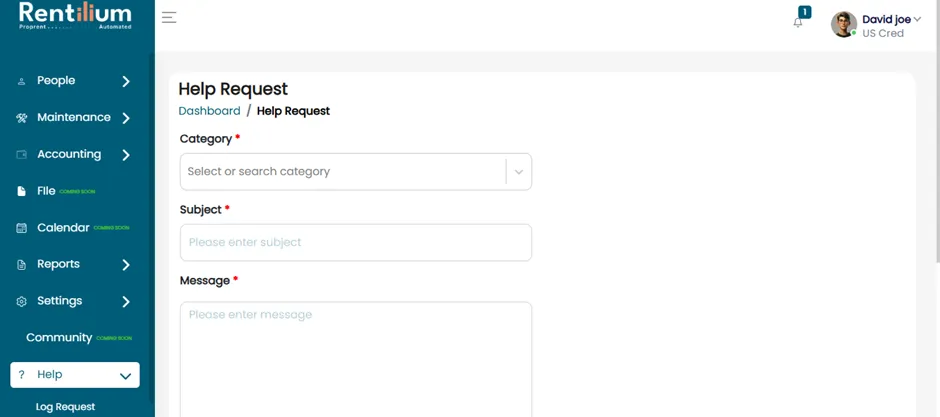
- A new Help Request form will open. Fill in all the required fields with accurate details. In the form, category of the request, subject, message and image can also be uploaded for the help request.
Submit The Request
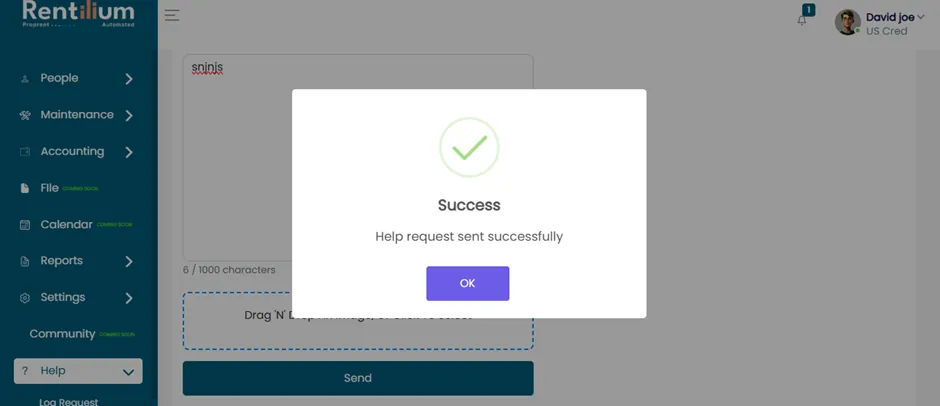
- After completing all required fields, click on the Send button. The help request will be successfully submitted.
After Submission
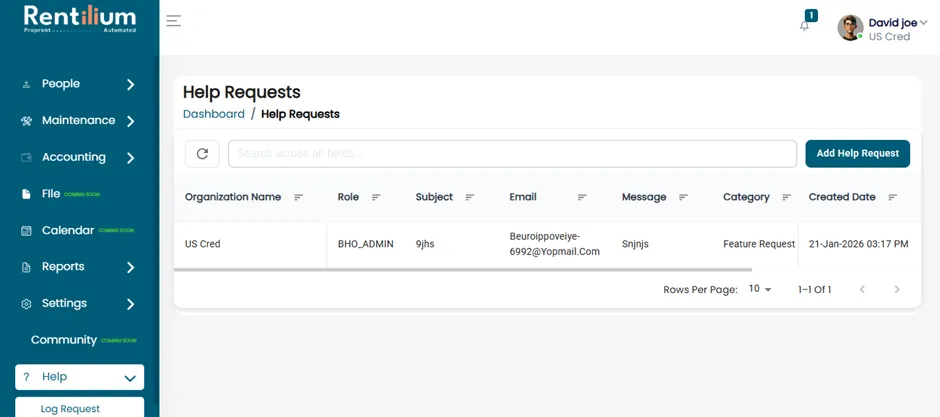
- You can view the help request on the page.
- A confirmation email will be sent to the registered email ID of the User.