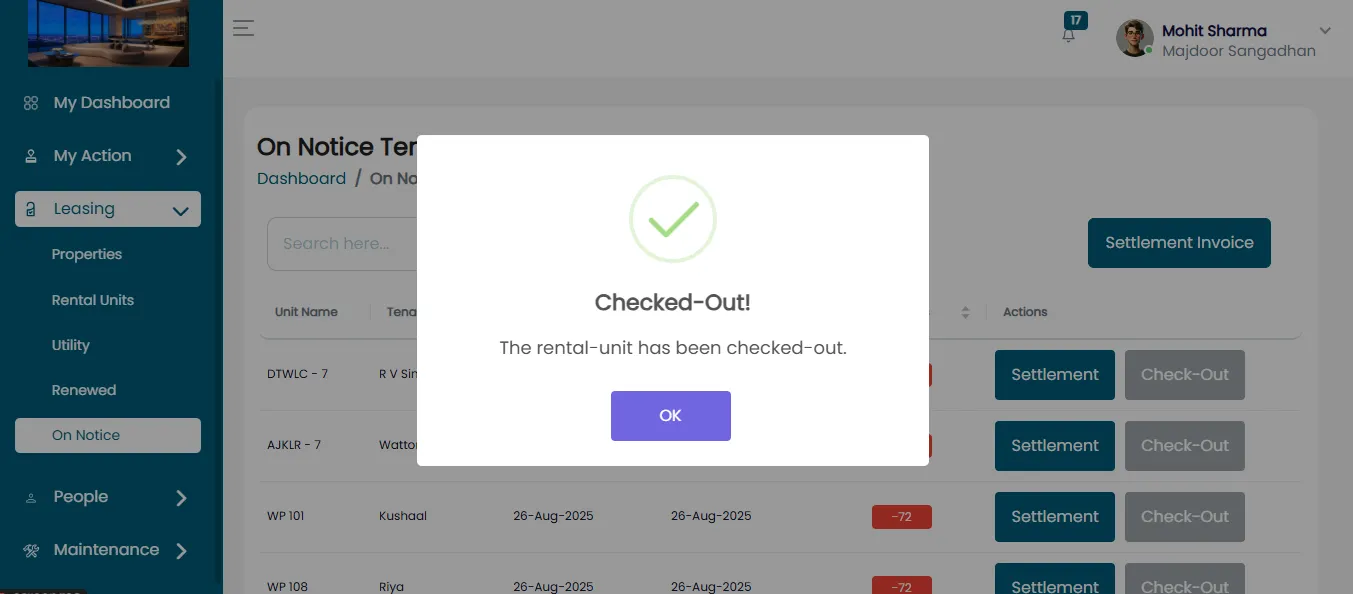
Vacant Rental Unit Without Settlement Payment
A Rental Unit can be unleased without requiring a settlement payment. This means the tenant can vacate the unit without paying any remaining rent or fees typically owed at the end of a lease. Below are the steps to perform this process:
Login To Your Account
In this process, you need to access your account:
- Enter your credentials and click Login.
- After Login, you’ll be directed to the dashboard.
- From the dashboard, click on the Leasing section.
Access Leasing Information
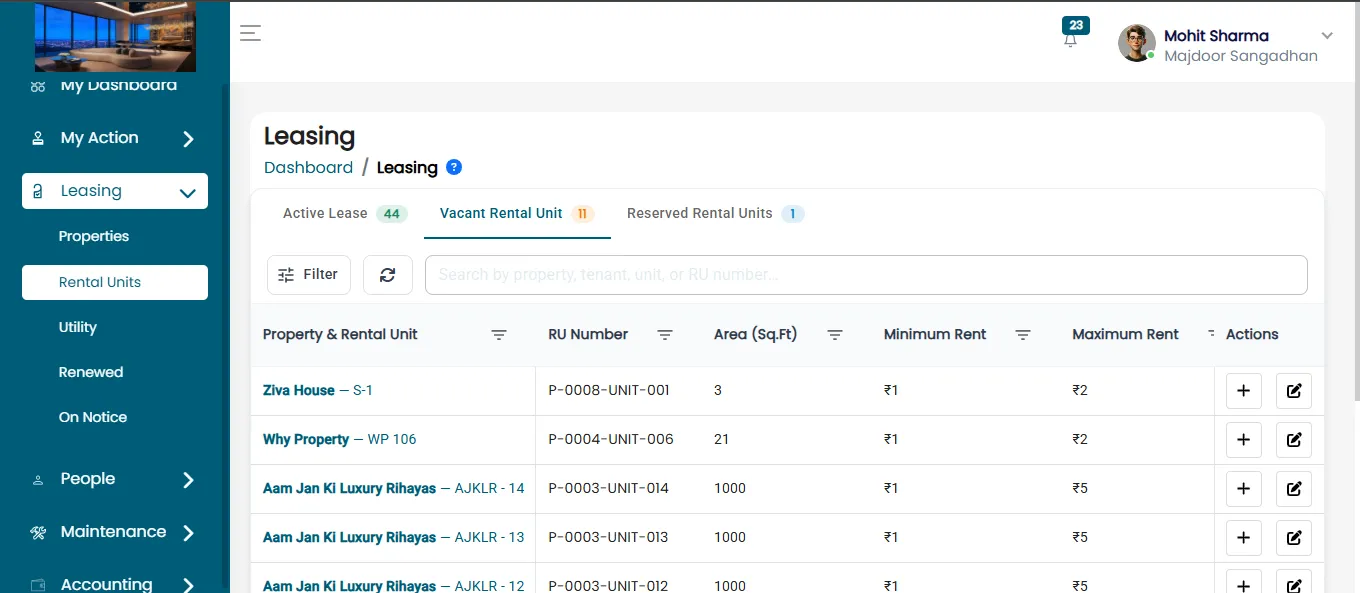
In the Leasing section, you will see three main categories:
- Active Lease
- Vacant Rental Units
- Reserved Rental Units
Click on Vacant Rental Units to view currently active leases.
Initiate Check-Out Process
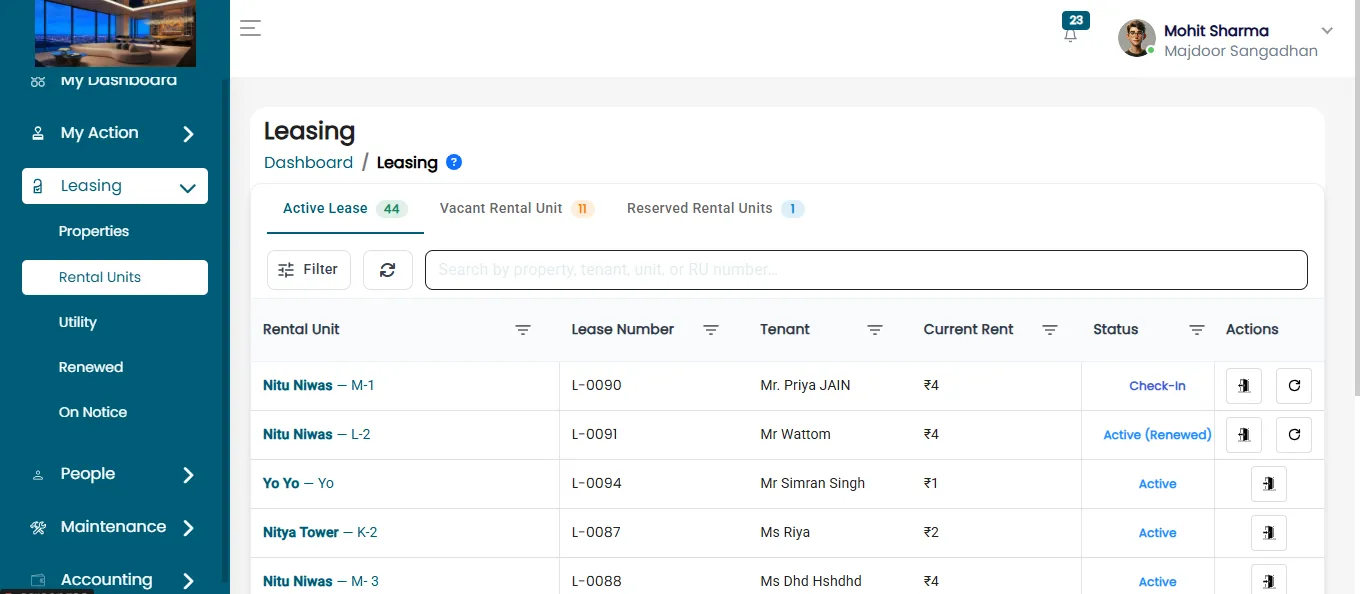
Within the Leased Rental Units section, you'll find options to:
- Notice to vacant
Select the notice to vacant button to process.
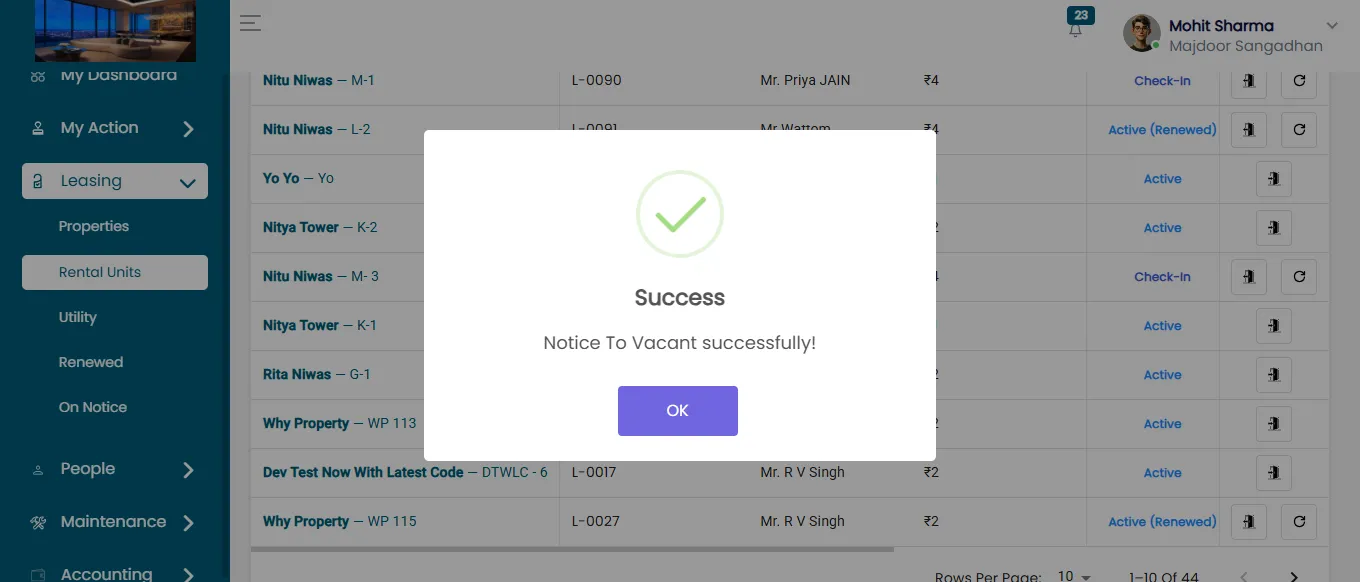
After clicking on notice to vacant button, information page will open where you have to fill all the required detail.
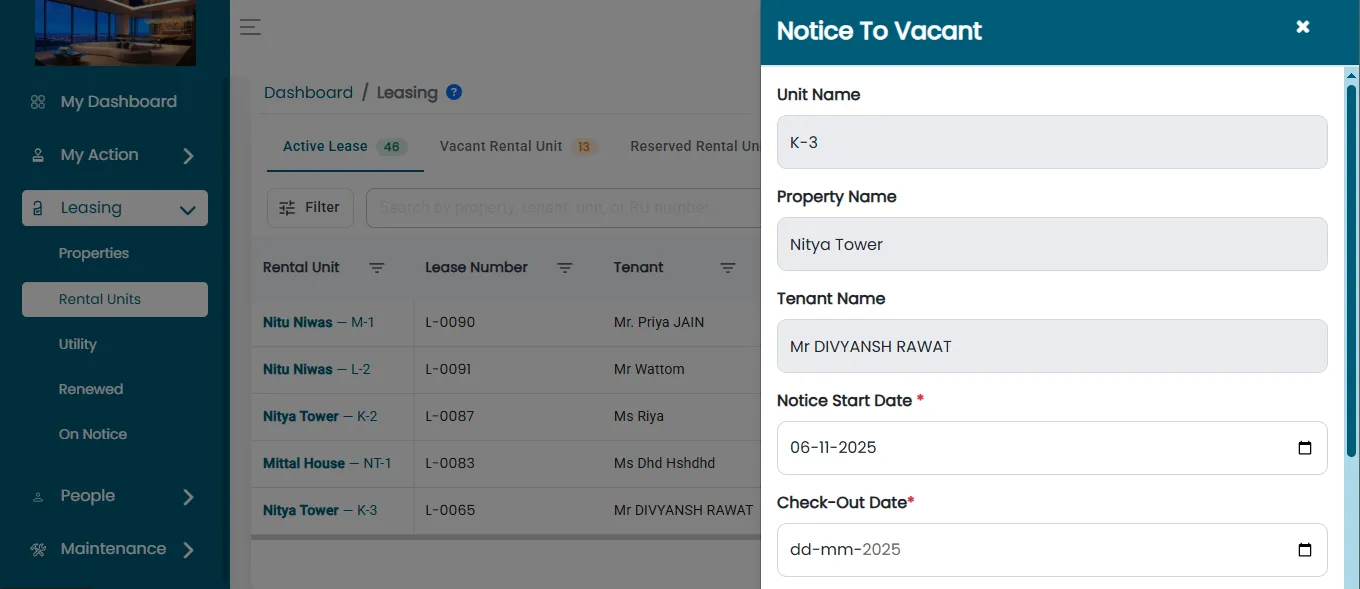
Confirm Tenant Notice to vacant
Once you click Notice to vacant, the tenant will be moved out successfully.
View Check-Out Tenants
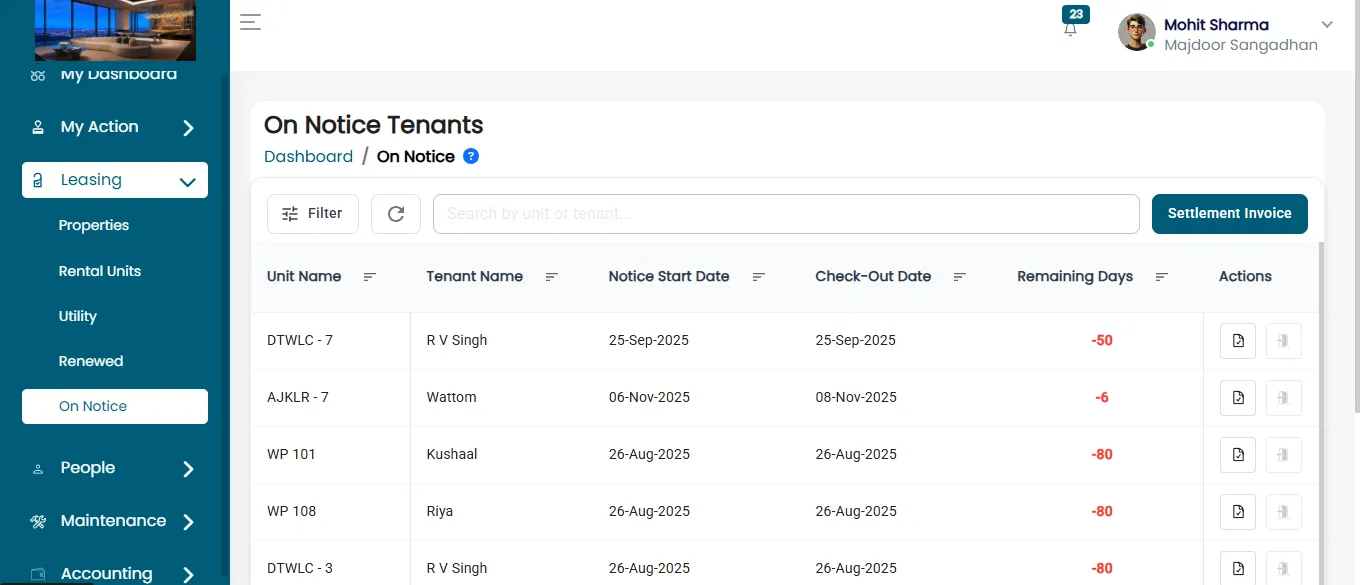
Go to the check Out section. Here, you can see a list of tenants who have completed the check-out process.
Proceed To Settlement
To finalize the move-out details:
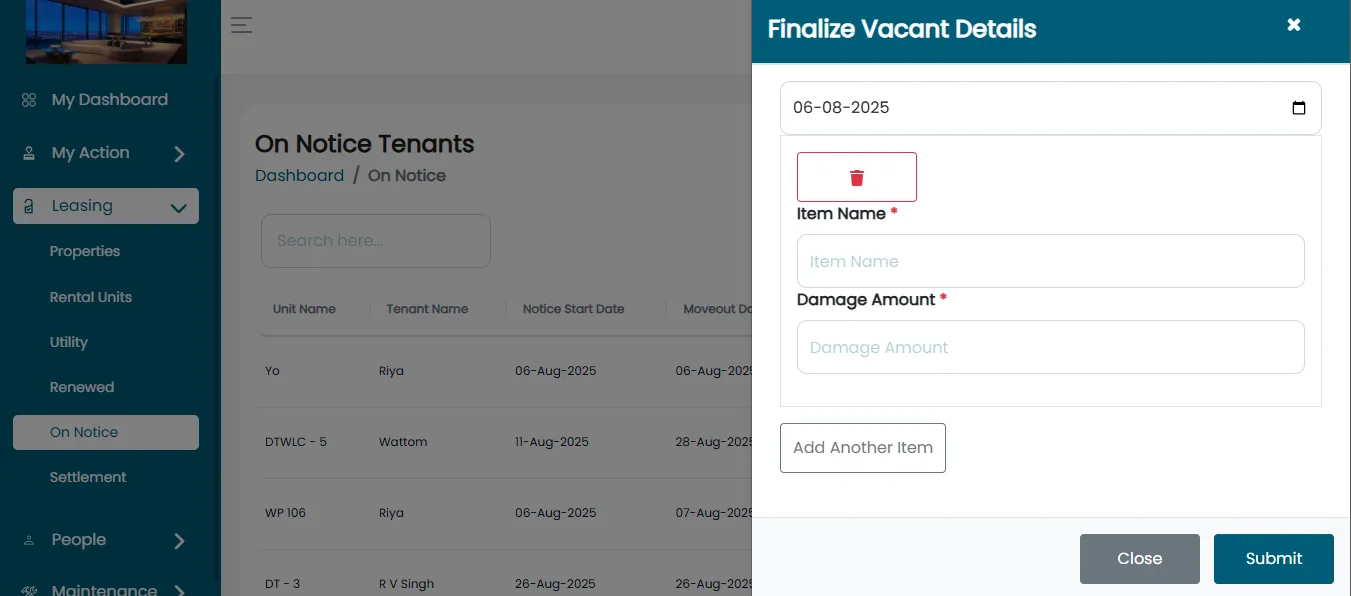
- Click on the Settlement button.
- After clicking on Settlement button. Move out details will open for review.
Save Final Move-Out Details
After reviewing the move-out and settlement details:
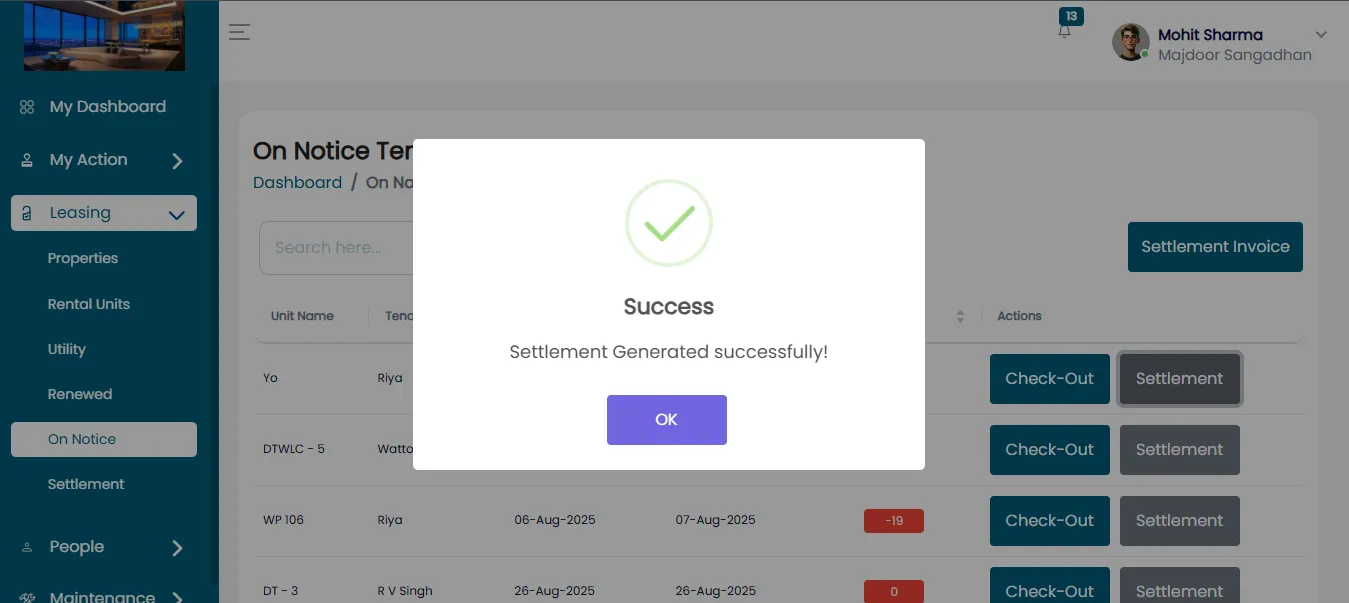
- Click Save Changes.
- After that Tenant’s move out details will be submitted successfully.
Vacant The Unit
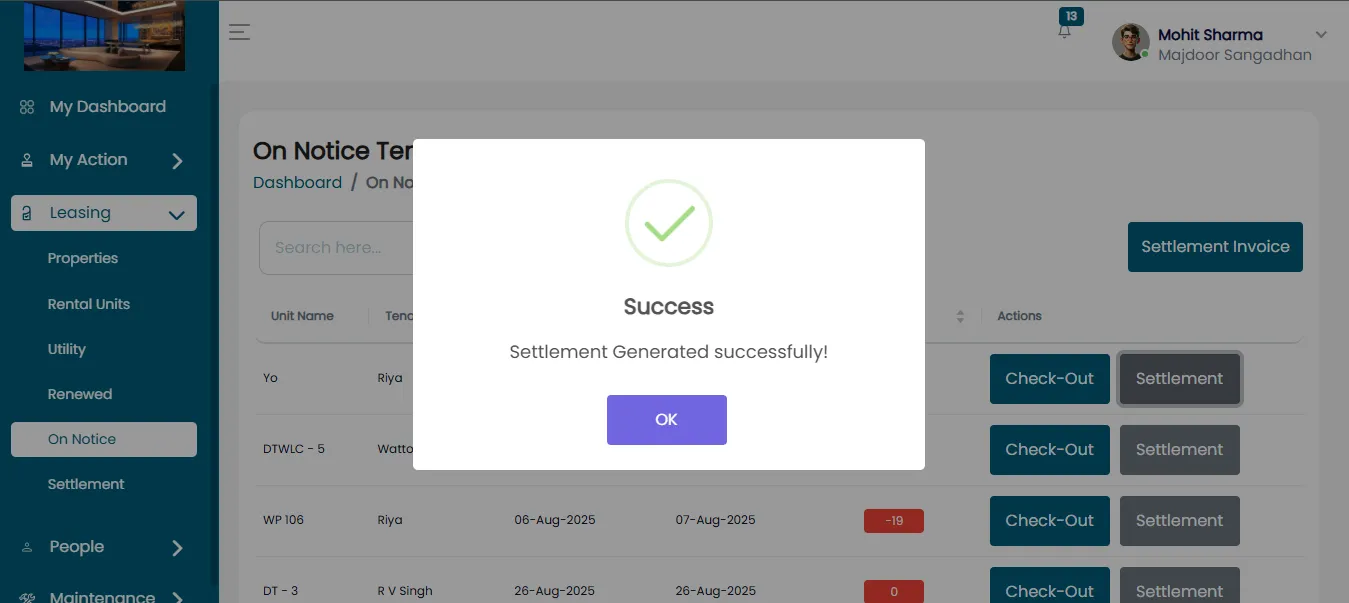
- Click the checkout button to begin the process of unleasing the unit.
- You will get the notification whether you're sure you want to vacant the unit without a settlement payment.
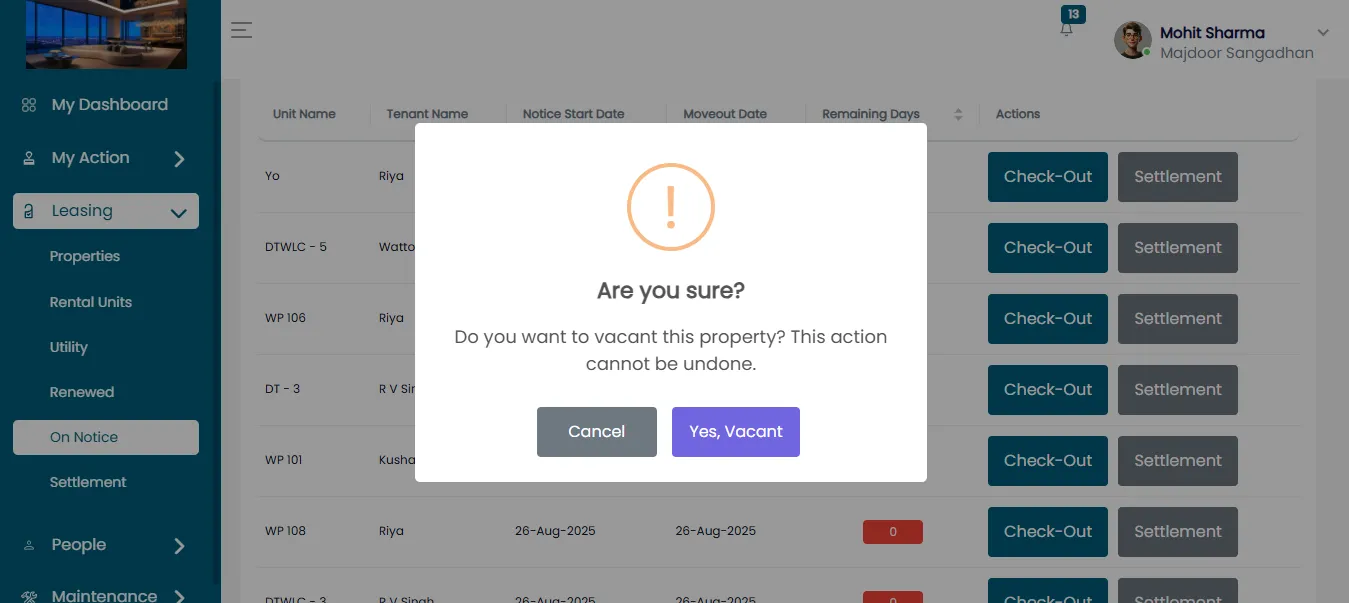
Confirm Vacant Without Settlement
- After that Click Yes, Vacant.
- This action allows the Organization or Property Manager to unlease the unit without requiring any pending settlement payment to be cleared.