Multiple Country
9 min
This document outlines the step-by-step process for configuring Multiple Countries in your ERP, including their states and cities. It also demonstrates how this setup integrates with the leasing module, allowing you to manage tenants across different countries and add phone numbers.
Steps To Configure Multiple Countries
- After log in, you will be directed to the Admin Dashboard.
- Now go to the Settings section.
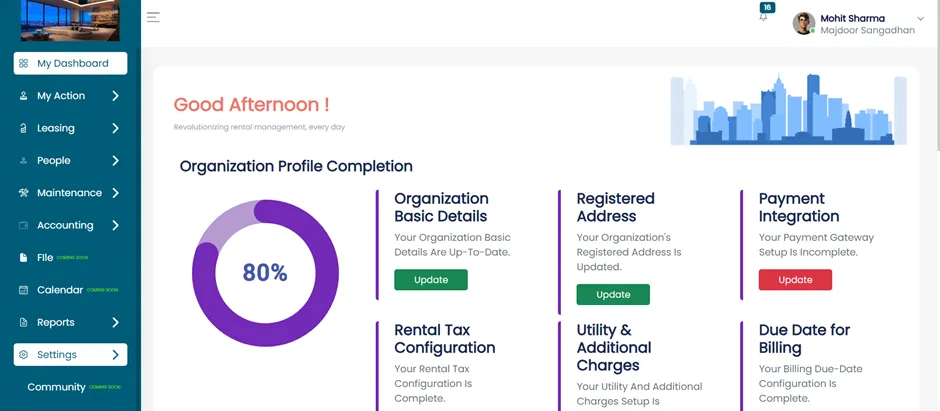
Configuration Settings
- Within the Settings section, click on the Configuration tab.
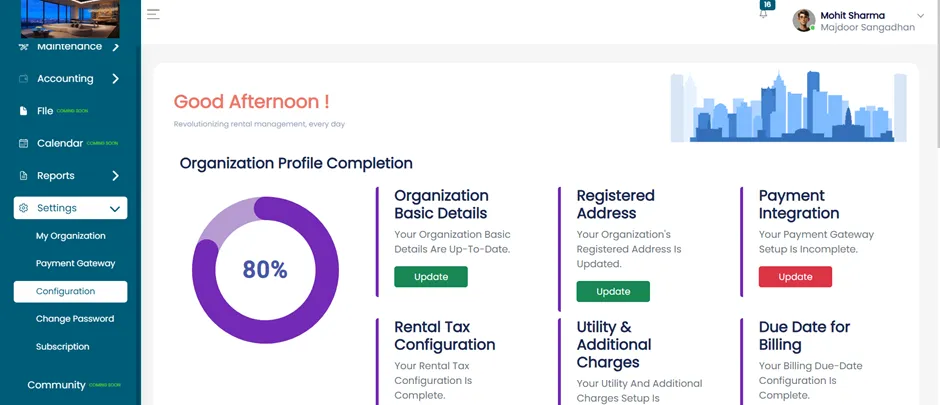
Manage Location Information
- To manage location details like countries, states, and cities, follow these steps:
Access Location Information
- Inside the Configuration tab, select Location Information.
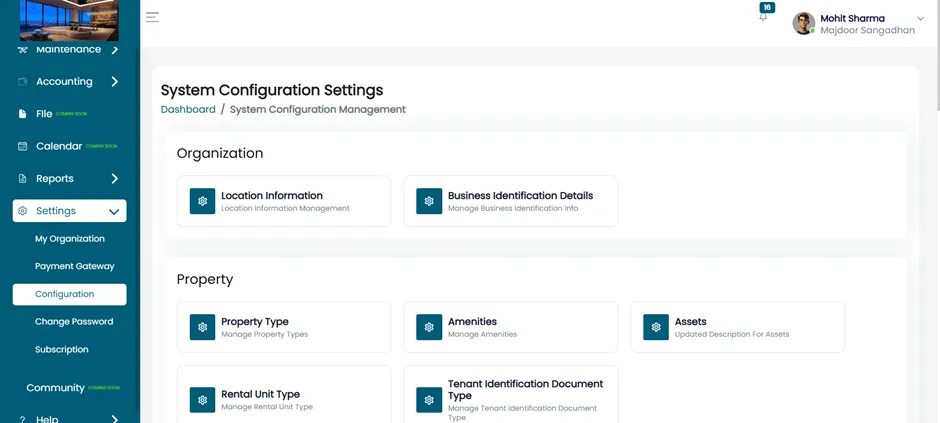
Add Location Information
- After clicking on Location Information, Location Information page will open where you can view all the state and cities.
- From here you can add multiple country and their state.
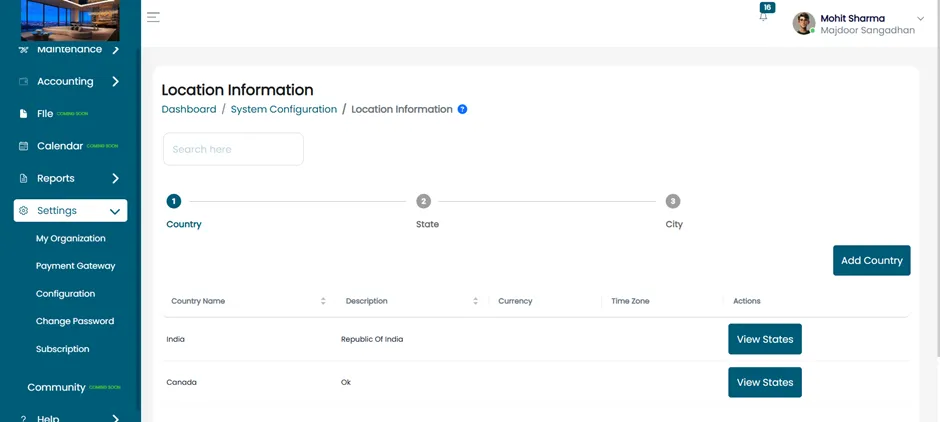
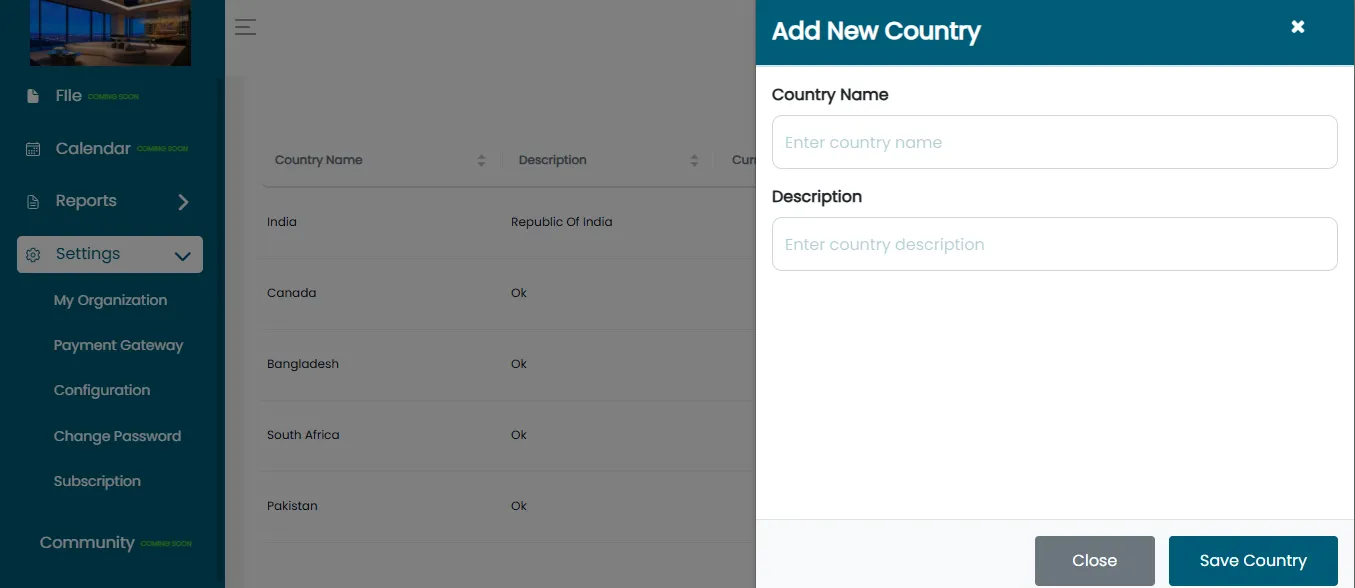
Add New Country
- Click on the “Add Country” button.
- A form will appear prompting you to enter.
- Fill the country name and the description.
Save Country
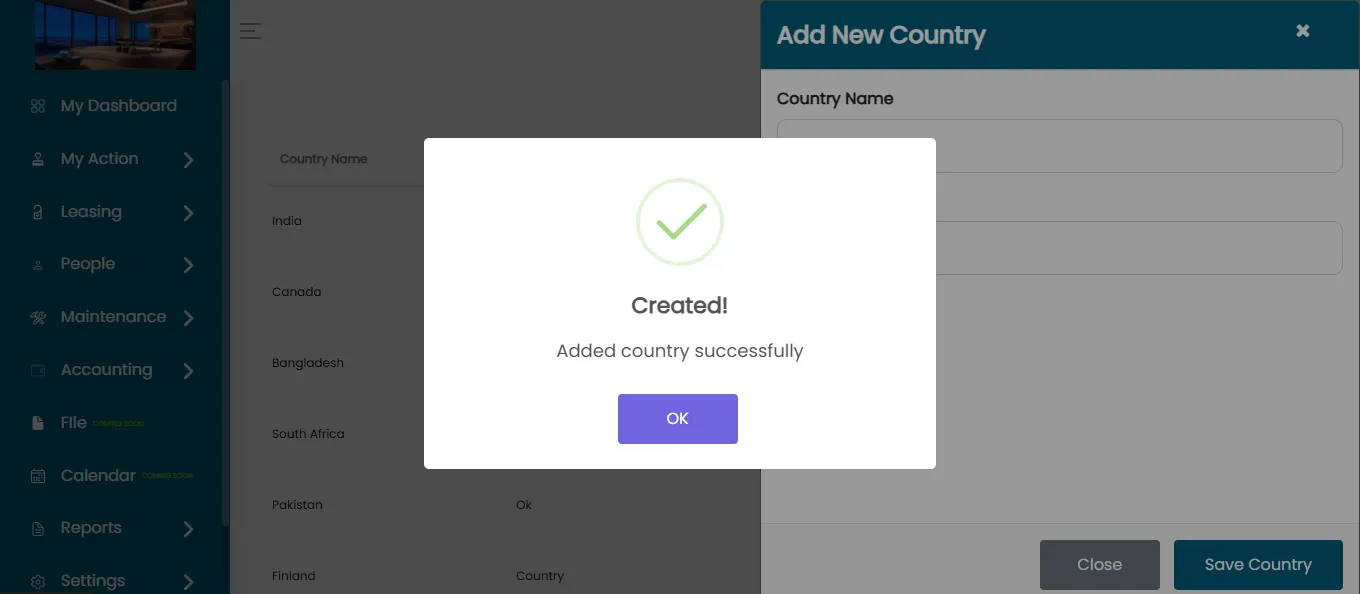
- After filling in the country name and description, click the “Save Country” button.
- The new country will be successfully added to the ERP system.
- The country will be added successfully.
Go To Leasing Section
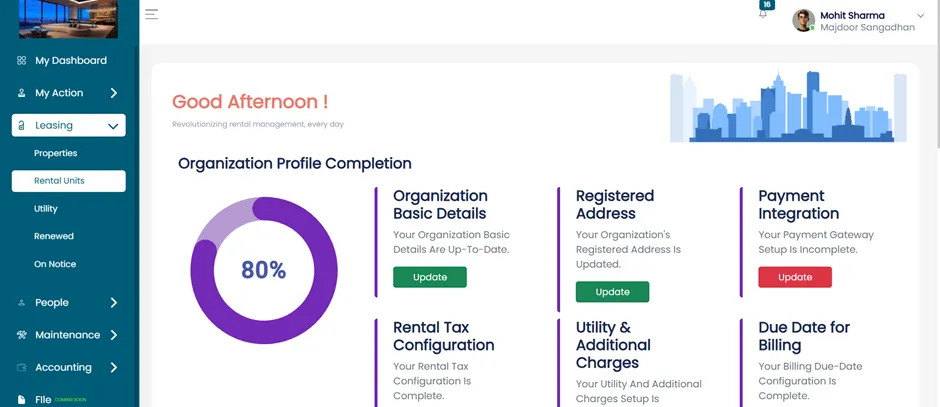
- Once location setup is complete, Go to the Leasing section of the ERP.
Open The Rental Unit
- Click on “Rental Unit” under the Leasing section.
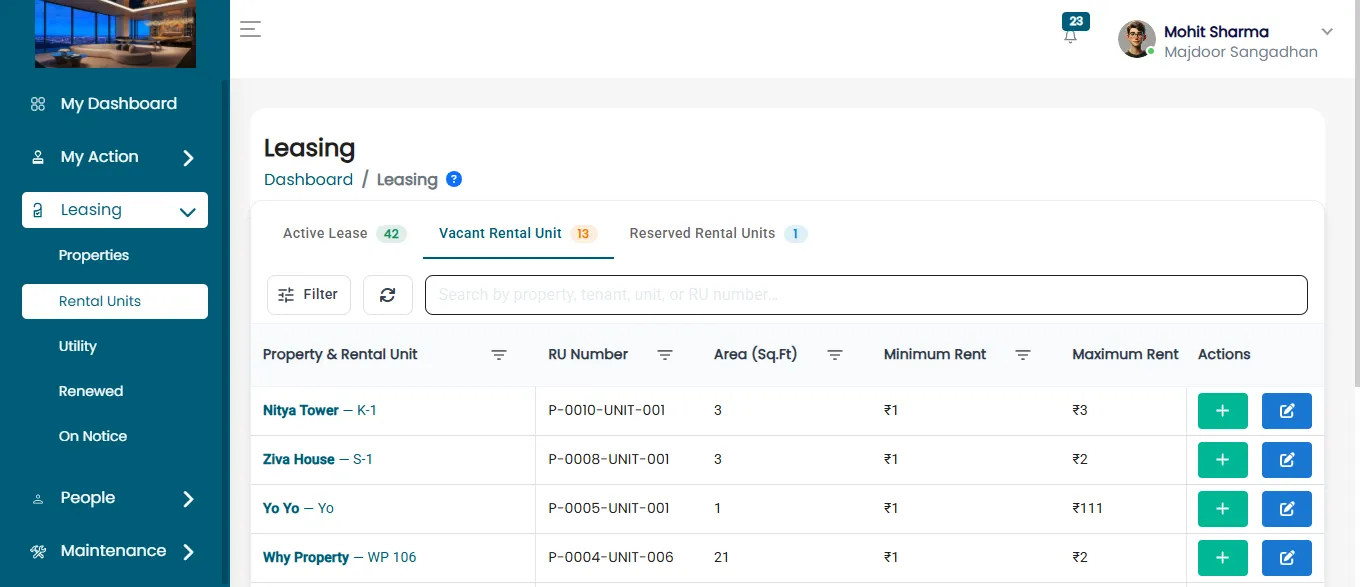
There are three categories under Rental Units:
- Active lease – Units that currently have active leases.
- Vacant Rental Units – Units that are vacant or available for lease.
- Reserved Rental Units – Leases that are saved but not activated yet.
Add New Lease
- Click on the Add Lease.
- After that, you’ll be taken to the Tenant Details section.
- After that, you will see the Existing Tenant and New Tenant options.
- Then, Click on the New Tenant Option. After Clicking on the New Tenant Option Tenant Detail Page Will Open.
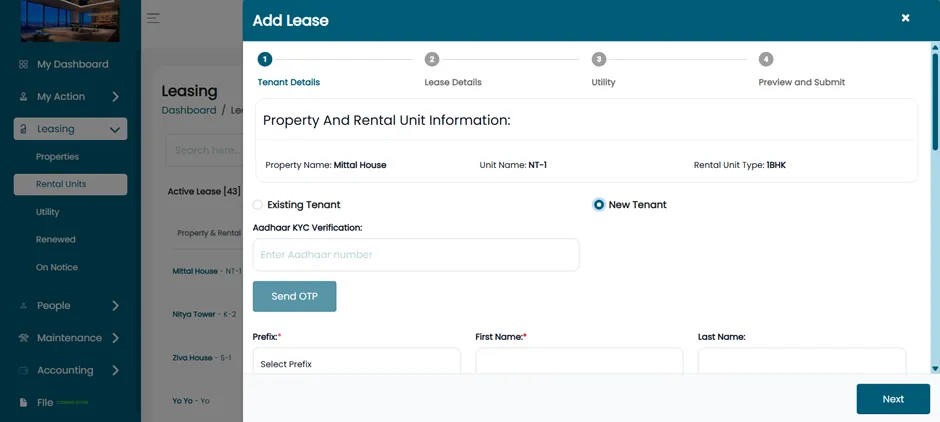
Enter New Tenant Details
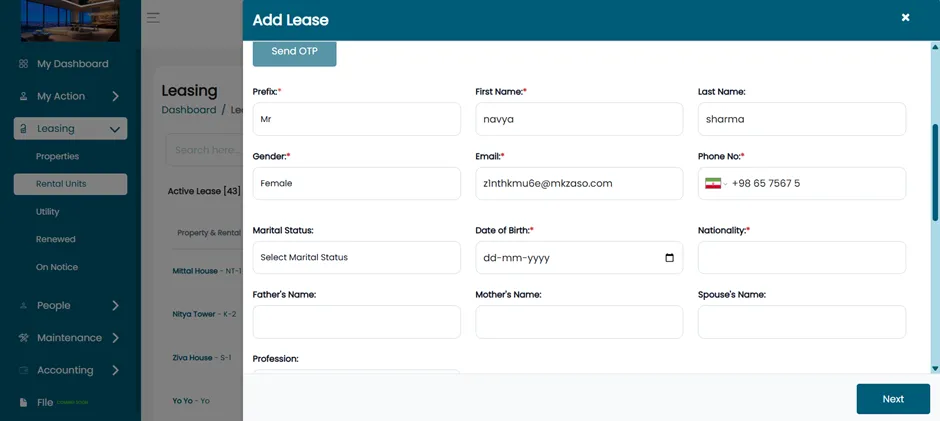
Fill in the new tenant’s personal details:
- Prefix (Mr./Ms./Mrs.)
- First Name & Last Name
- Gender
- Email Address
- Phone Number
- Add Phone Number with Country Code
Here you can add phone number for multiple country.
For example: Iran: +98, USA: +1
By following this process, you can set up and manage multiple countries within the ERP. This ensures smooth leasing operations and accurate tenant information across international locations.